Add Locationbutton
Creates a storage location.
The button is in the Storage header. The create form was not captured.
Not fully verified in the capture.
 Scott's TCG Binder
Storage shows where owned cards are kept.
Storage shows where owned cards are kept.
Mac
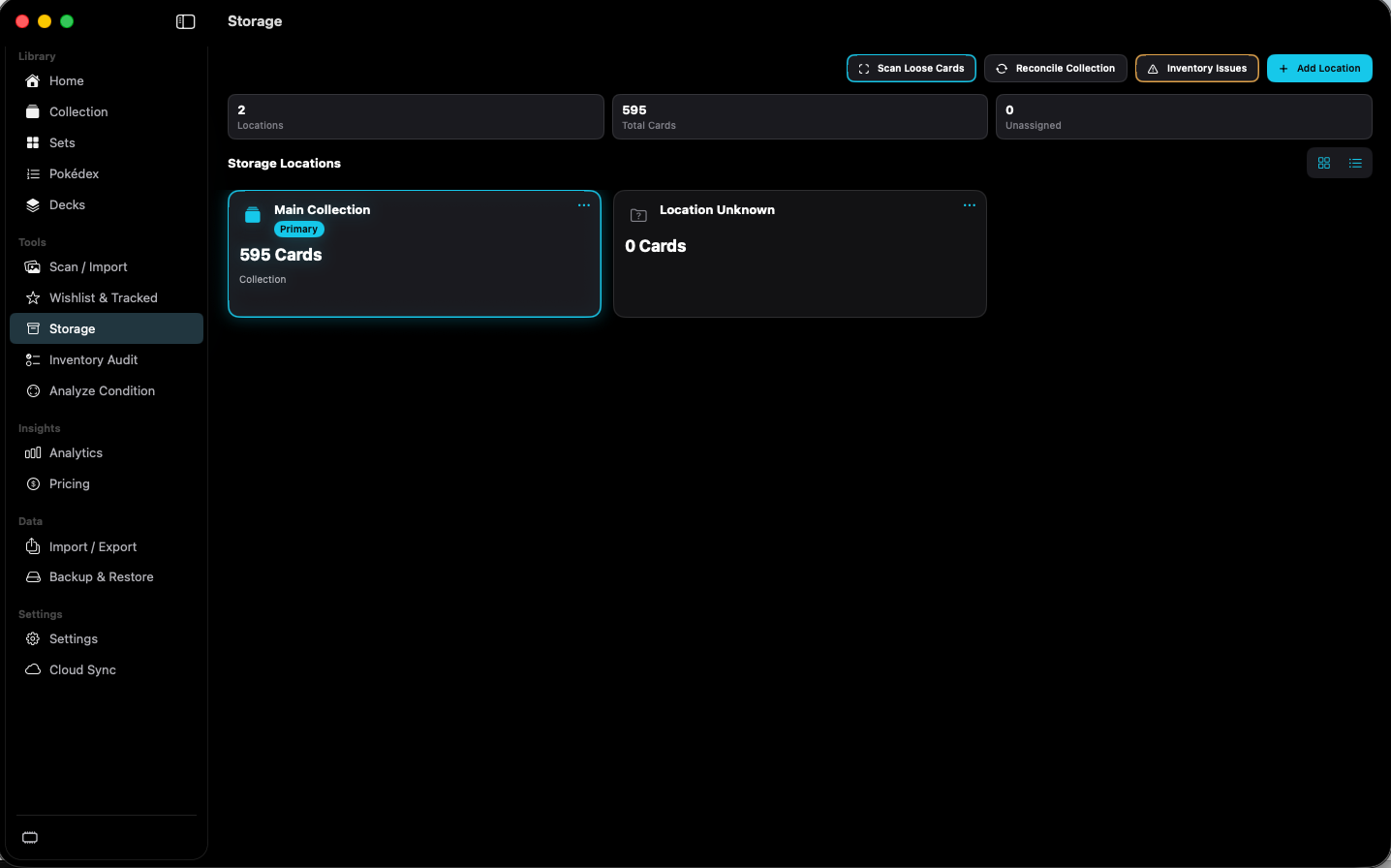
shot desktop-storage · seq 16 · assets/screenshots/original/desktop/0016.png
iPhone
shot iphone-storage · seq 132 · assets/screenshots/original/iphone/storage.png
Additional platform screenshots will be added as this guide is expanded.
Creates a storage location.
The button is in the Storage header. The create form was not captured.
Not fully verified in the capture.
Opens Inventory Audit.
Shown beside Reconcile Collection.
Starts a scan for cards that are not in a location.
The button is in the Storage header. The following screen was not captured.
Not fully verified in the capture.
Know where the physical card is.