Overview
Features
Workflows
Support
Platforms
Every documented screen. Filters use the feature catalog, not a second list.
Mac · iPhone · Library
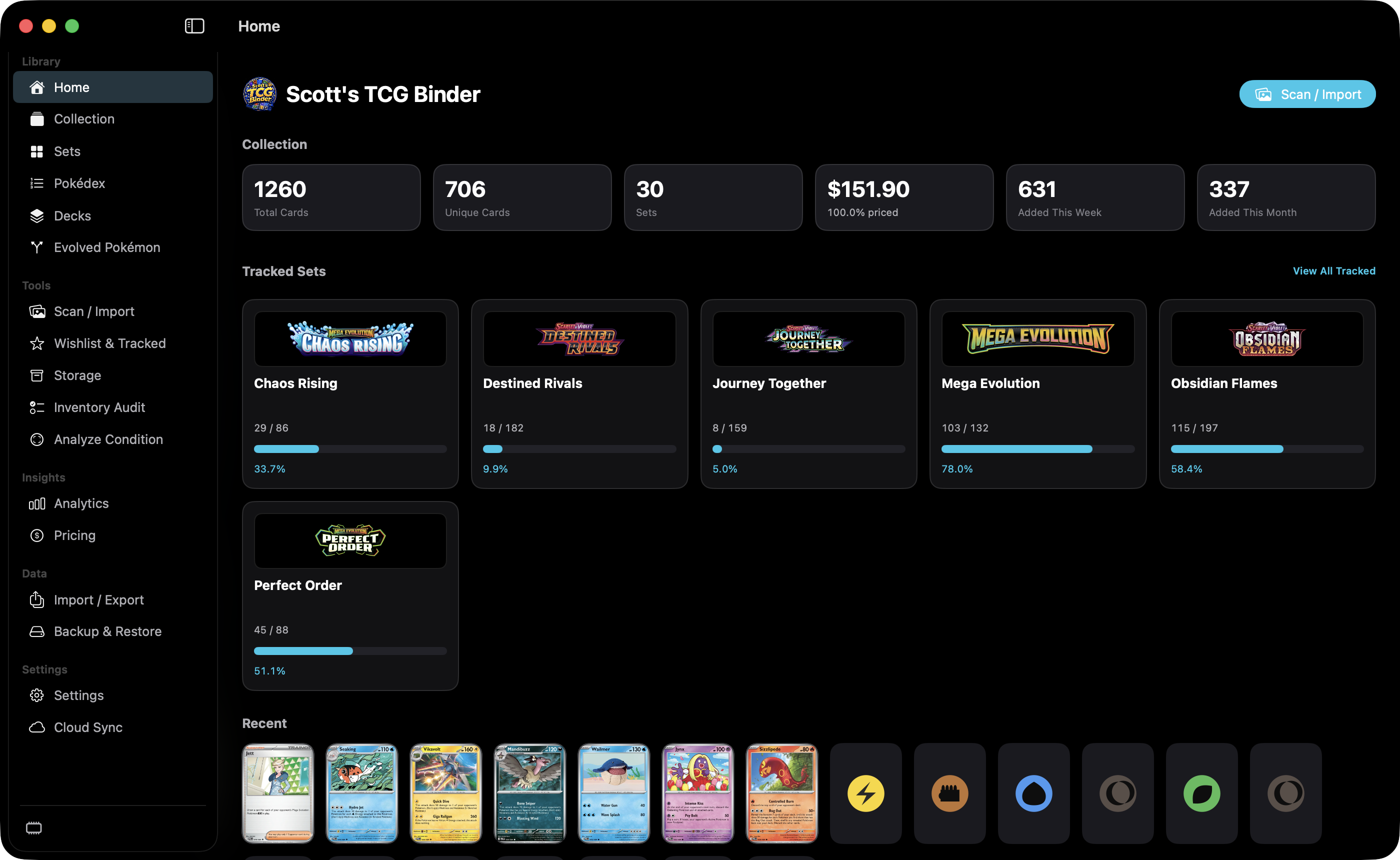
Home is the dashboard. It summarizes the collection, lists tracked sets, and shows recent cards.
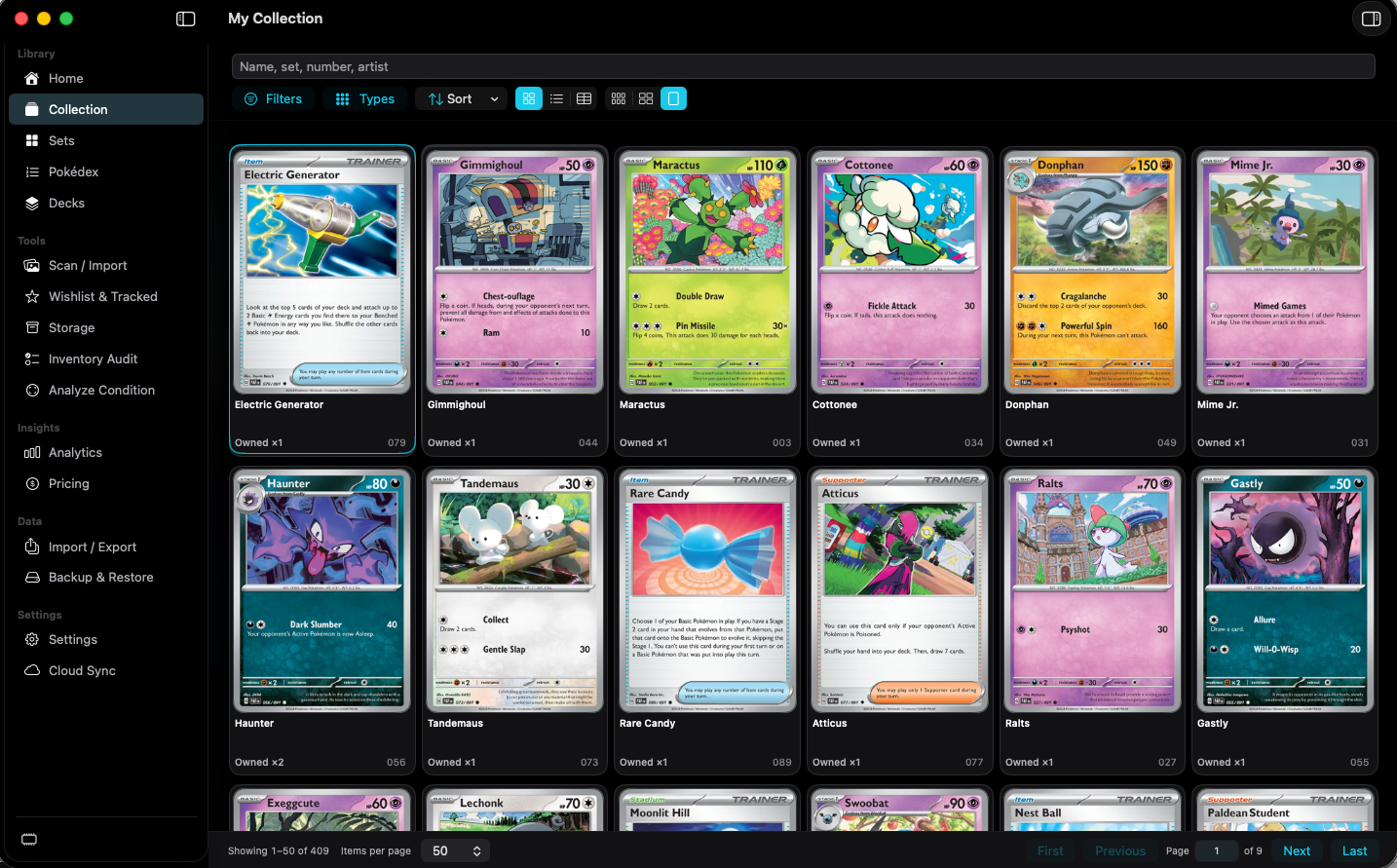
Collection is the list of cards you own. It can be a grid or a table, and a selected card stays open in the inspector.
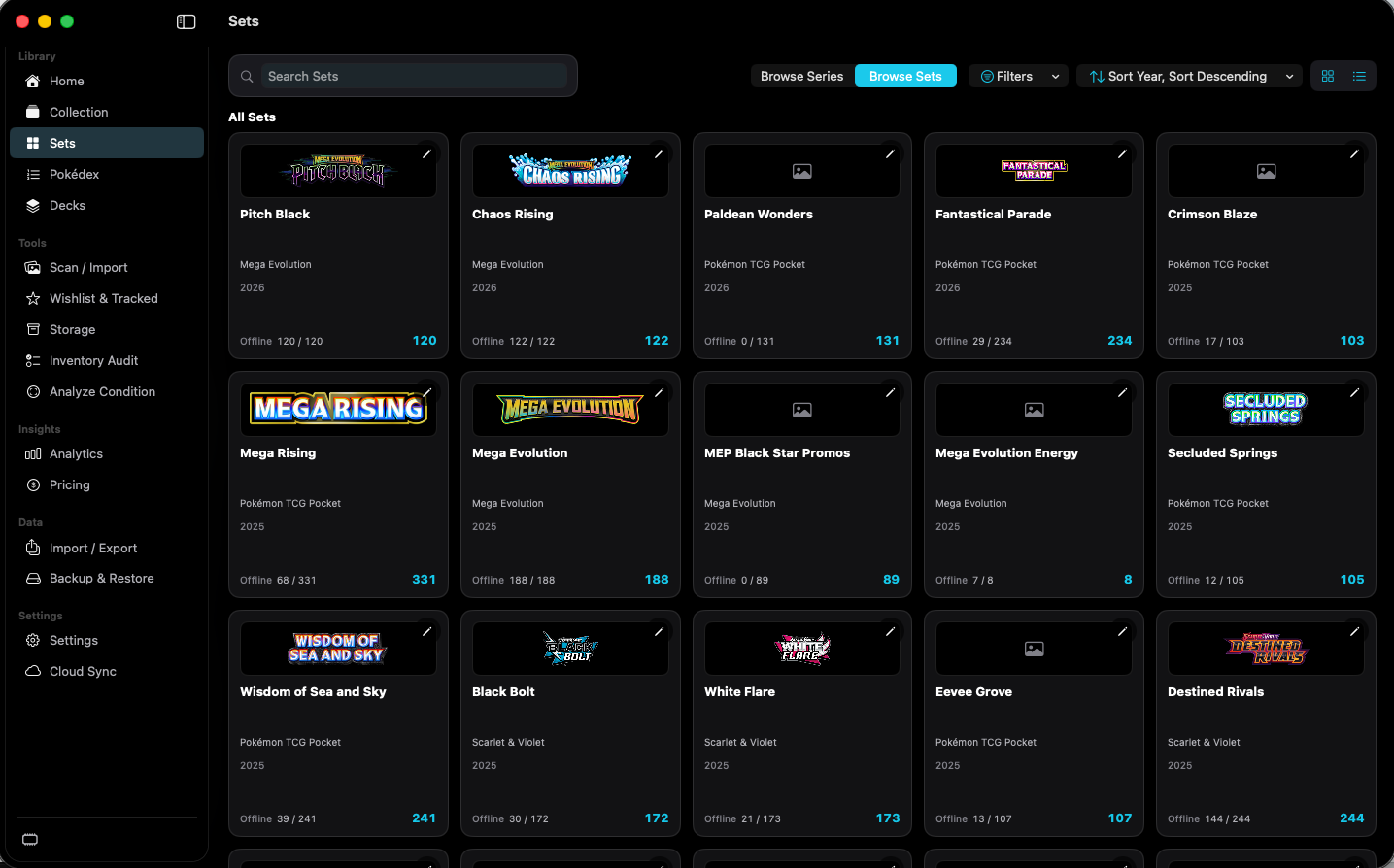
Sets browses the catalog. Each card in the grid is a set, not an individual Pokémon card.
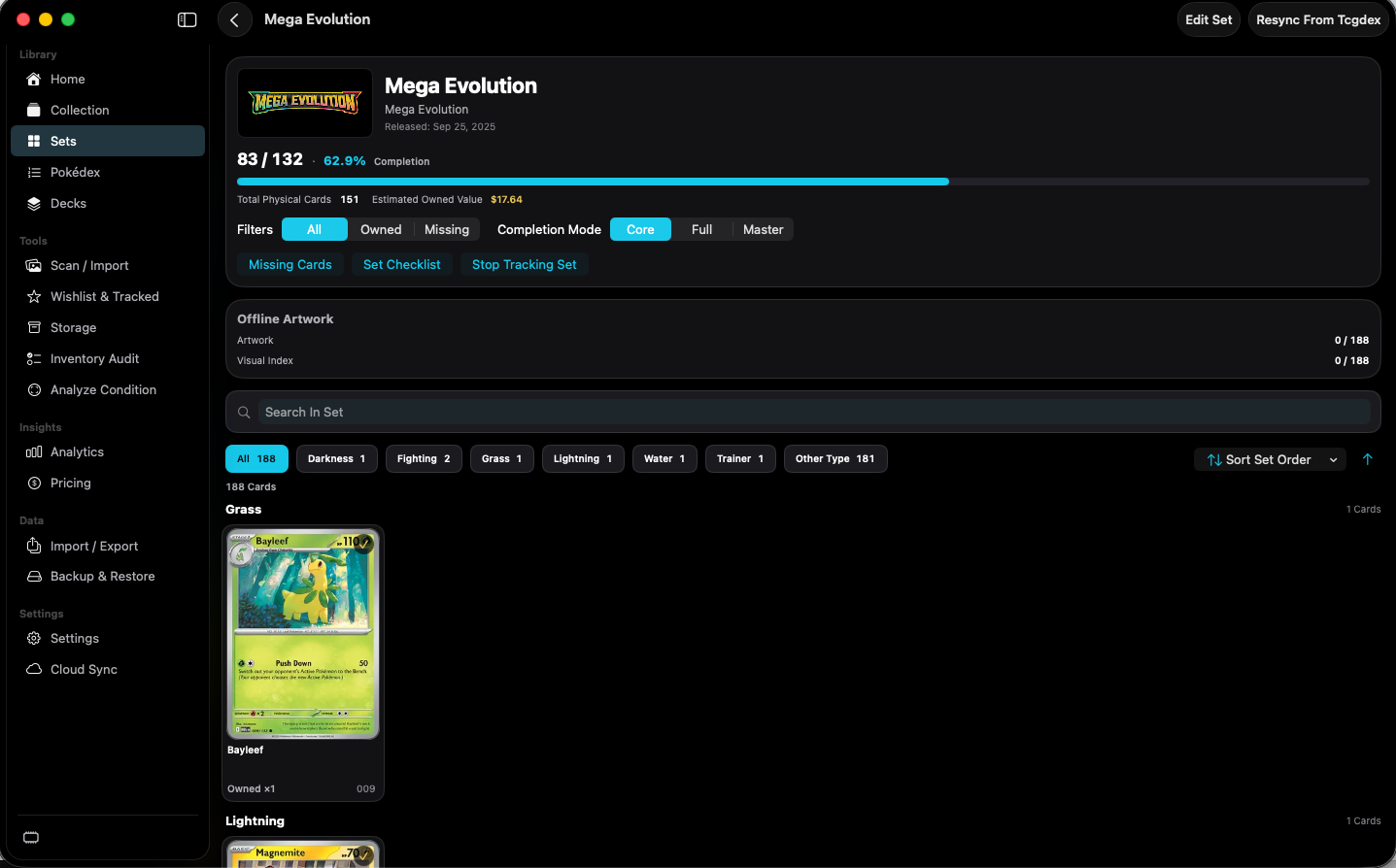
Set Detail is one set's checklist, completion, and card grid.
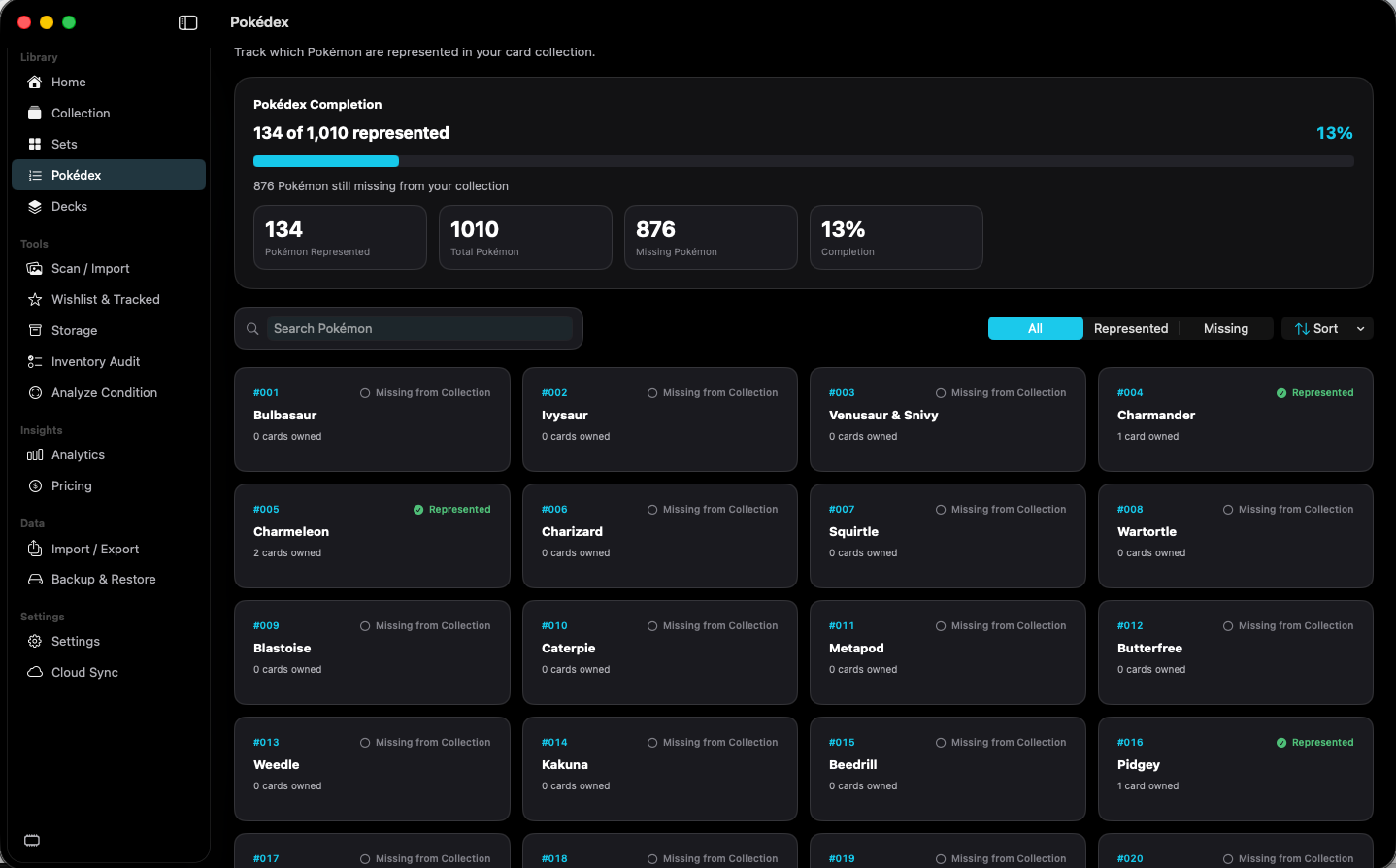
Pokédex shows which Pokémon are represented by cards you own.
iPhone · Library
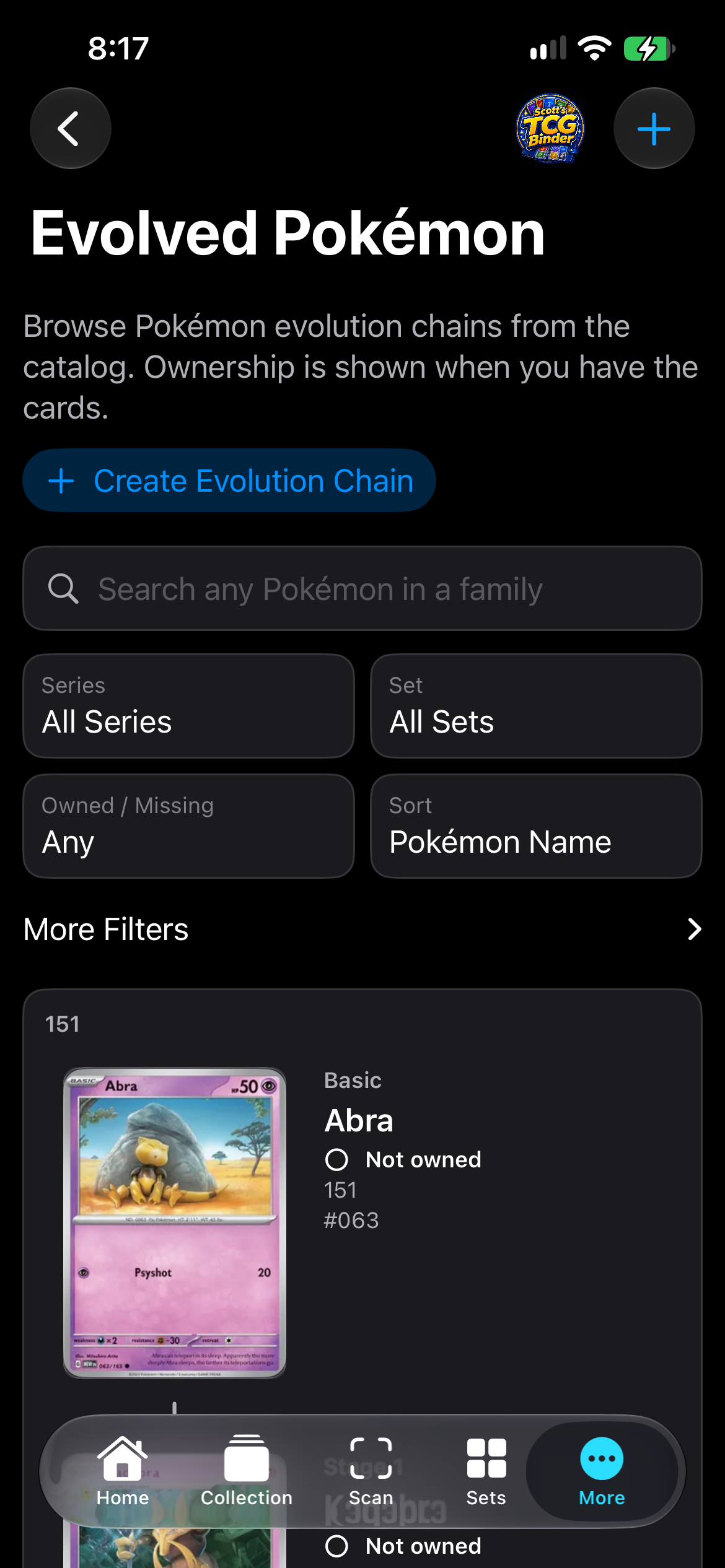
Evolved Pokémon browses catalog evolution chains and shows ownership on each stage.
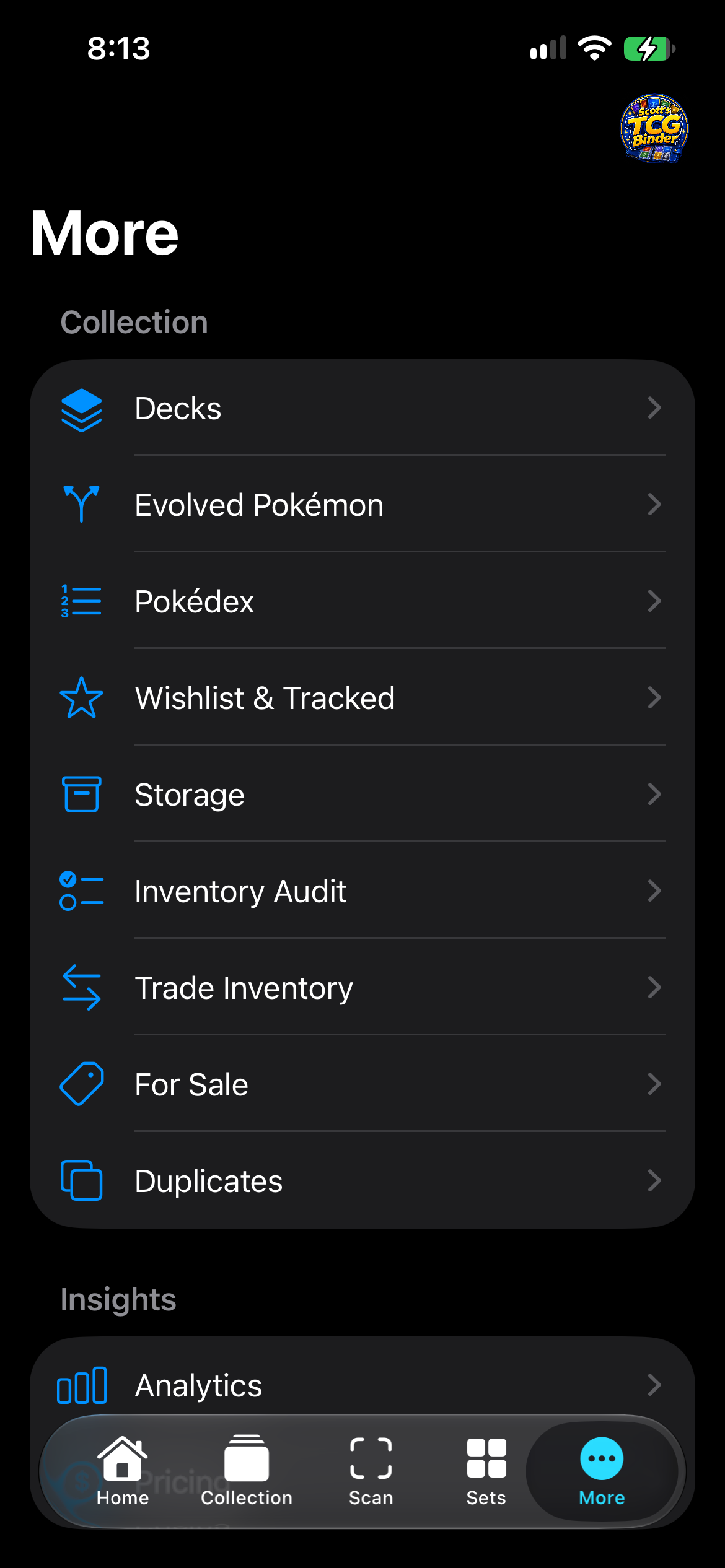
More is the iPhone list for features that are not on the tab bar.
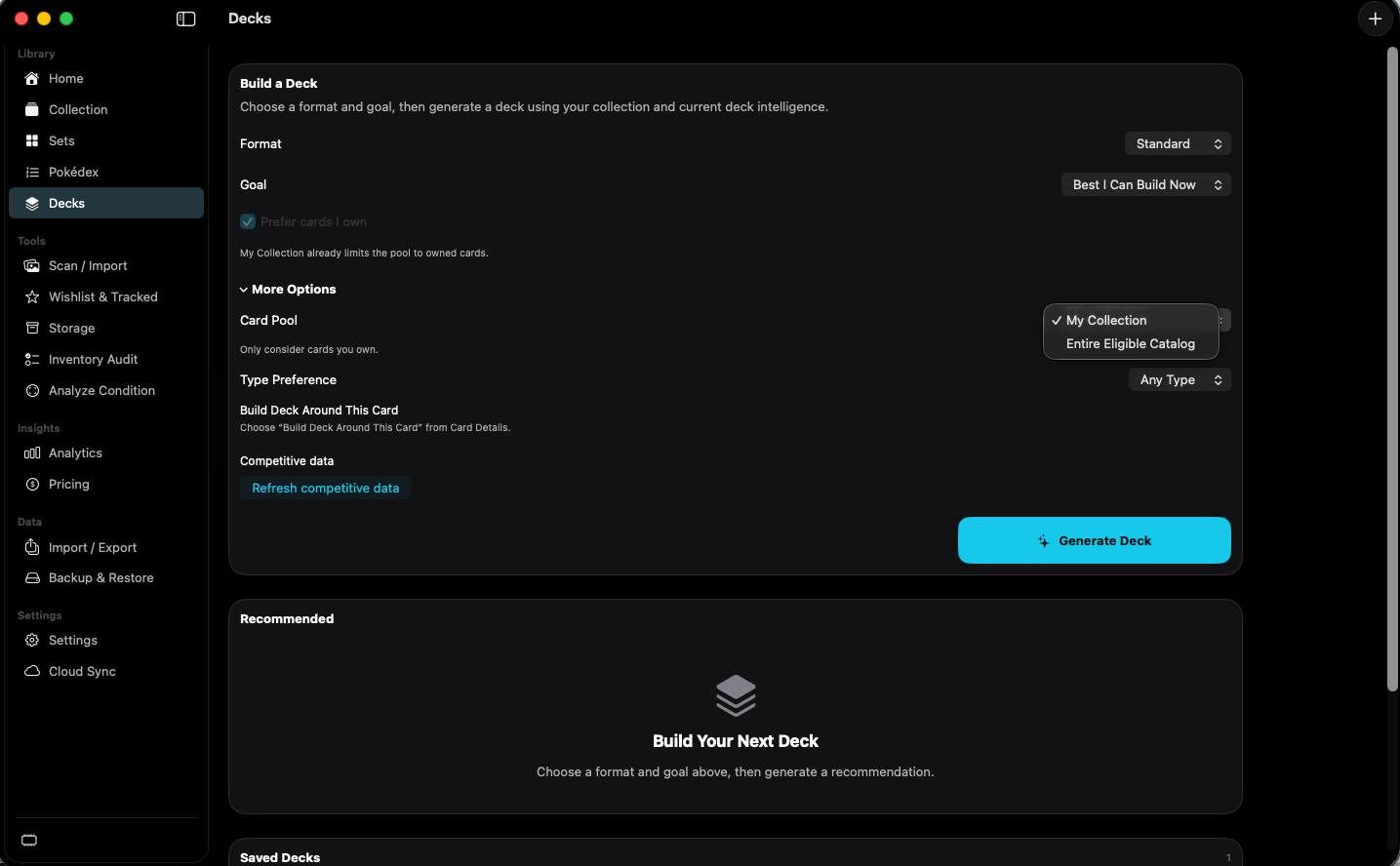
Decks generates a recommended deck and stores saved decks.
Mac · iPhone · Tools
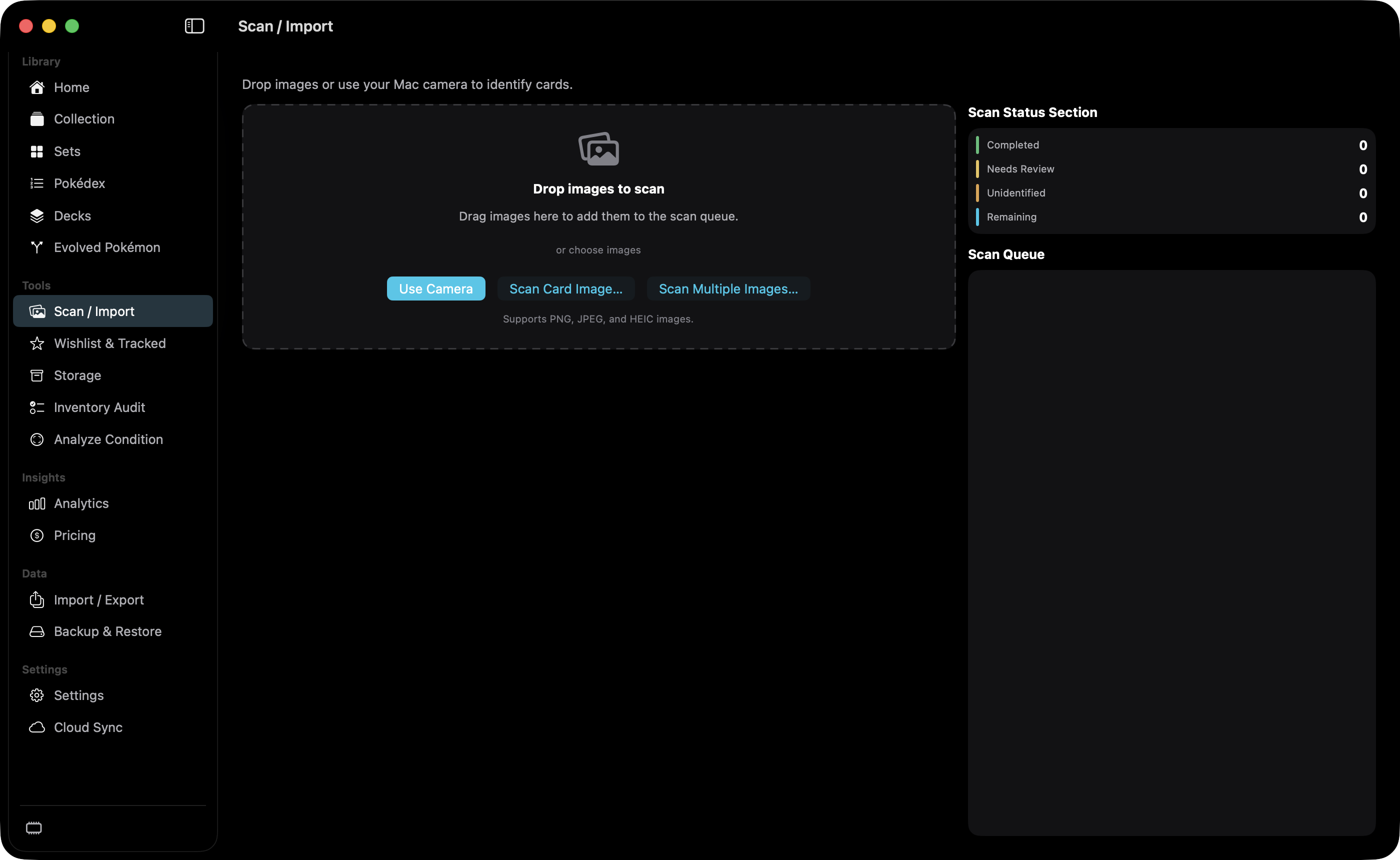
Scan / Import adds cards from a Mac camera, Continuity Camera, or image files, then reviews the recognition result.
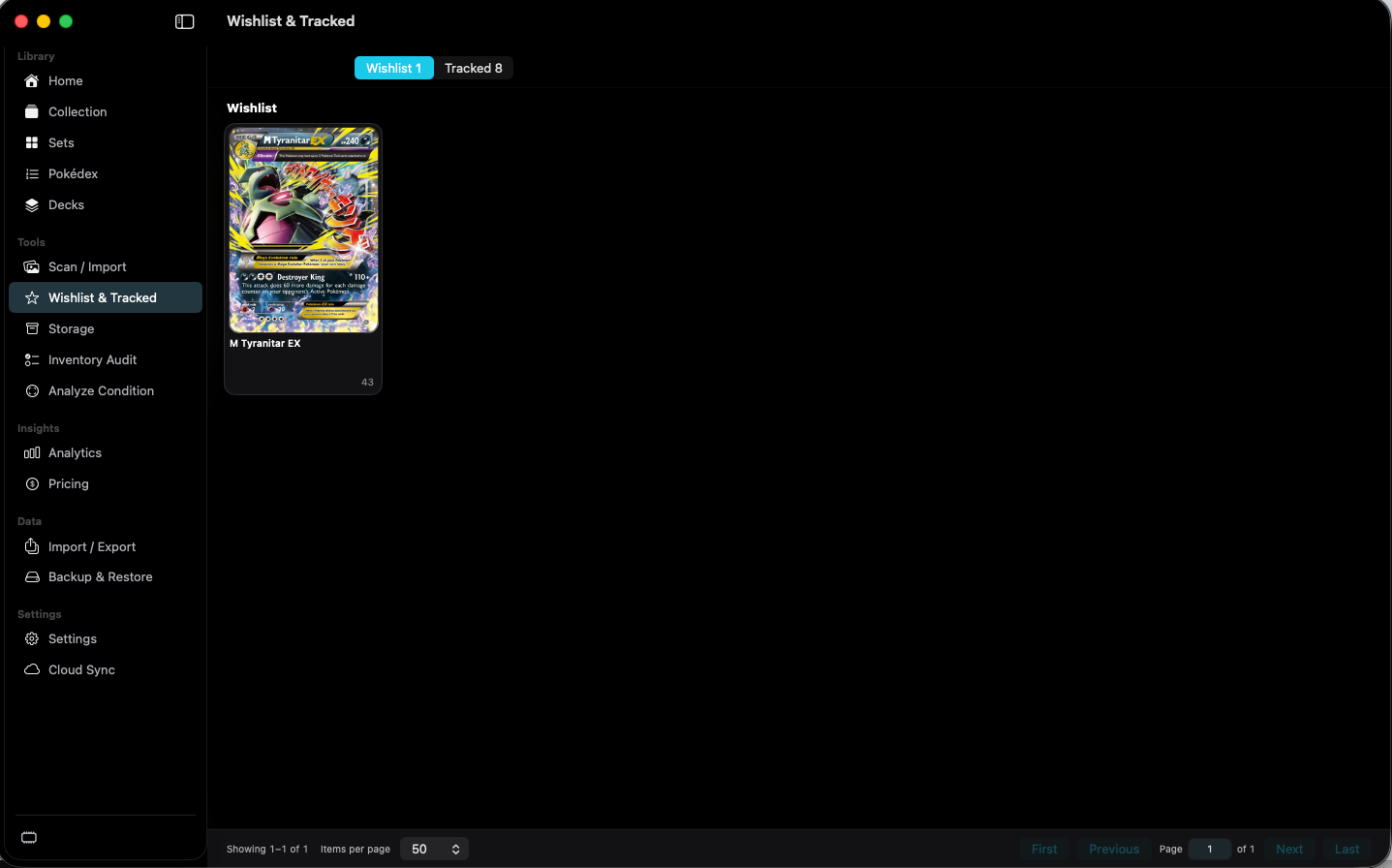
Wishlist stores individual wanted cards. Tracked stores sets you are following.
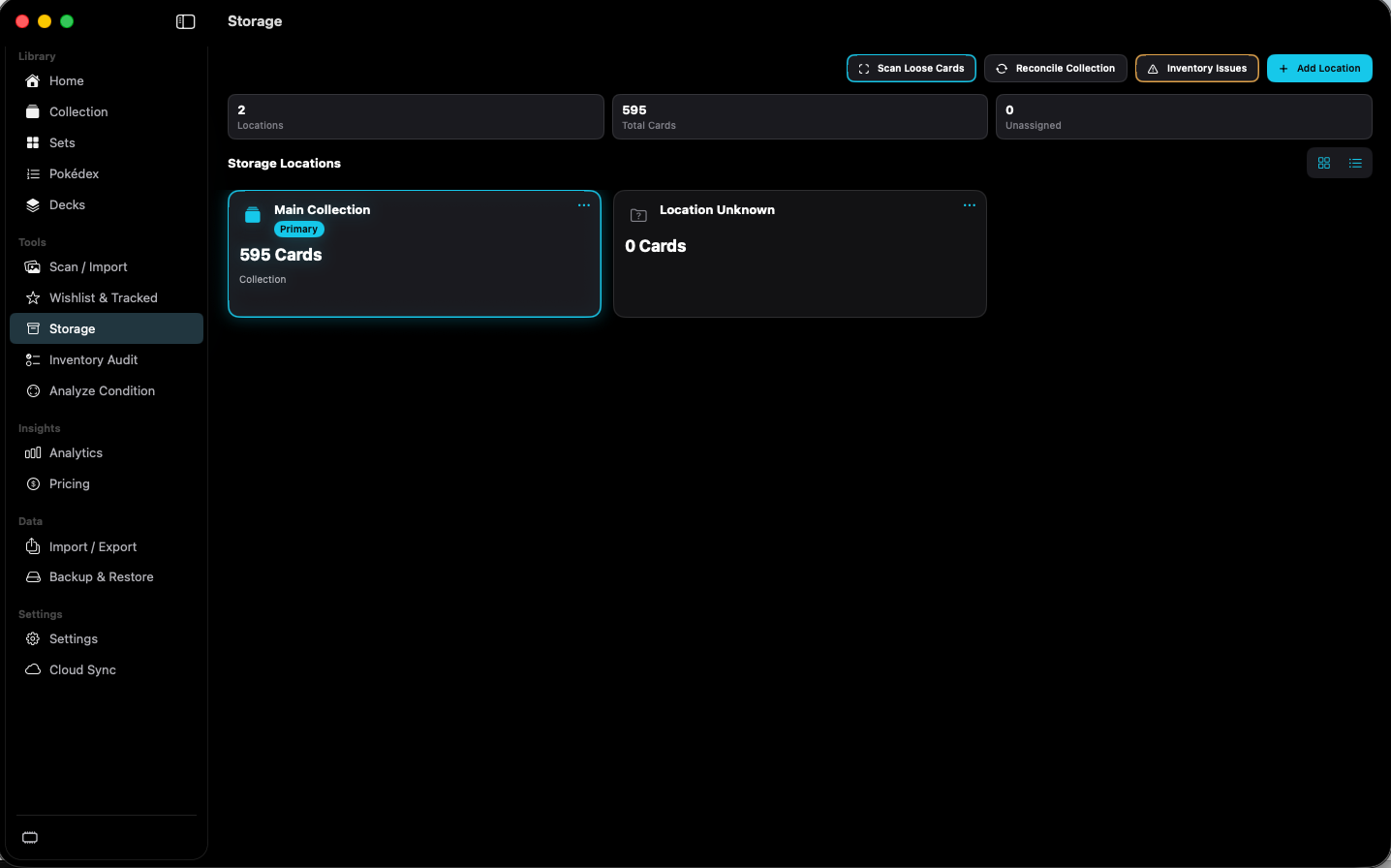
Storage shows where owned cards are kept.
· Tools
Inventory Audit lists collection records that do not match a physical check.
Analyze Condition suggests a condition from card photos. Settings control what the analysis shows.
Mac · iPhone · Insights
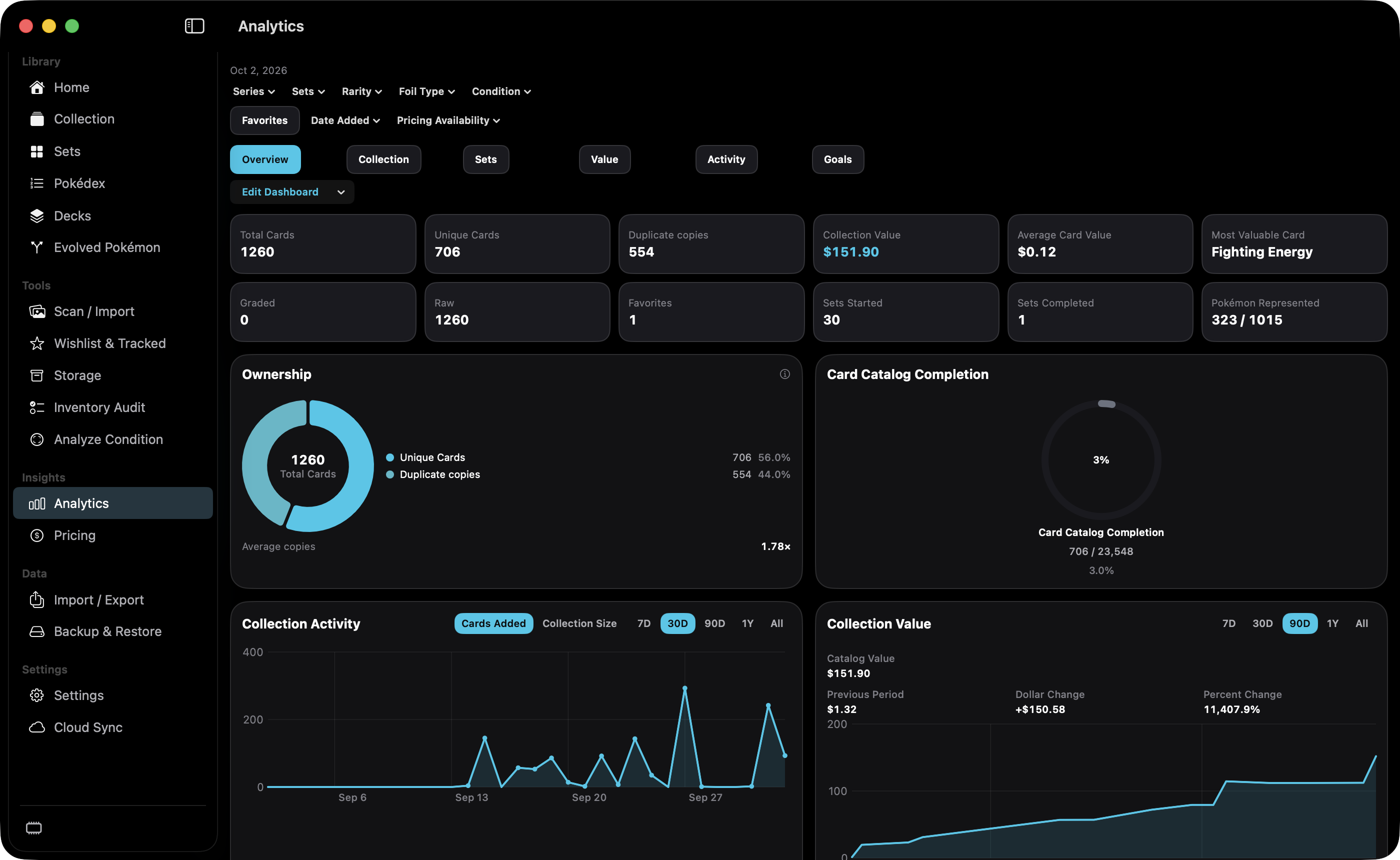
Analytics summarizes composition and change in the collection across six sections.
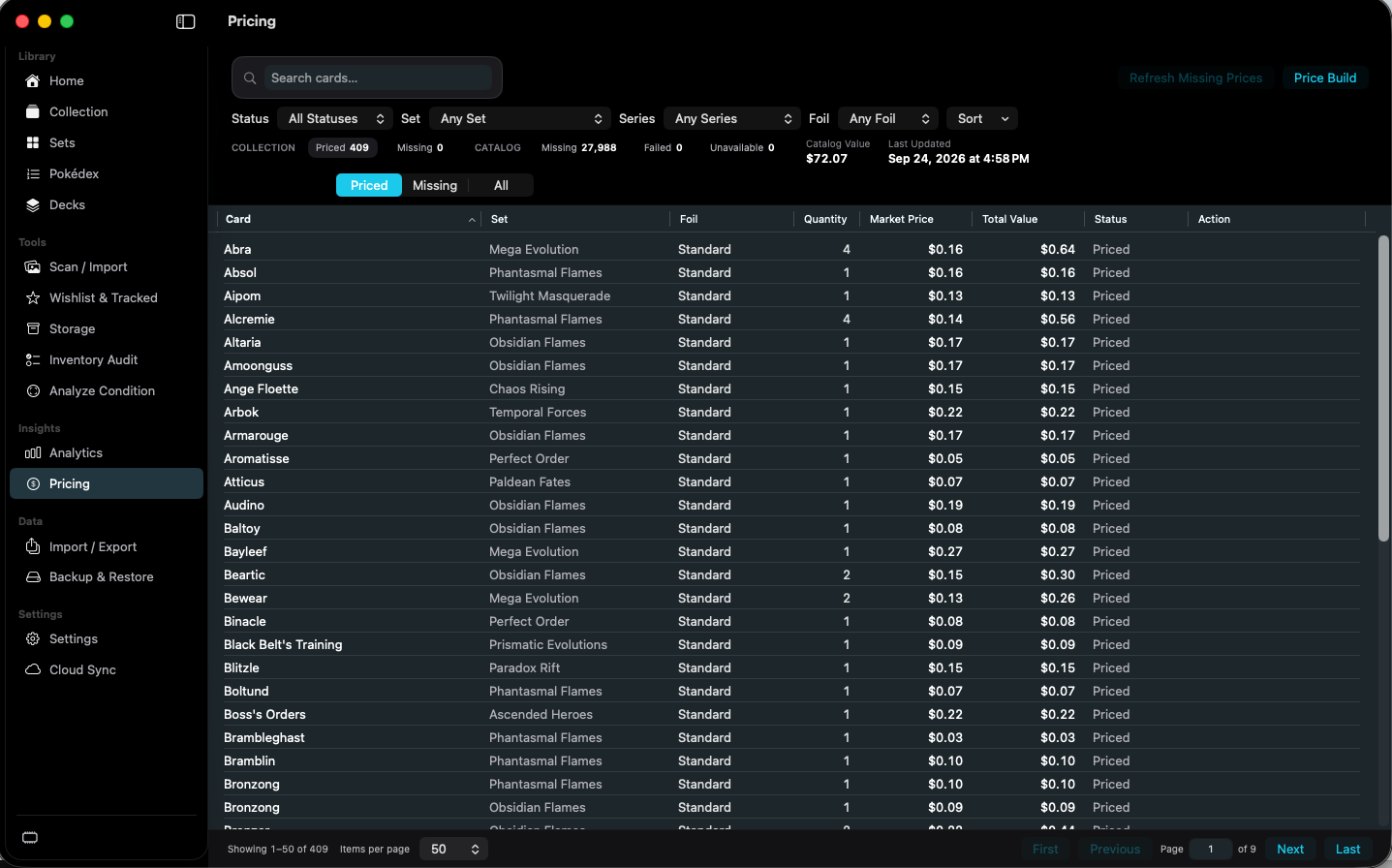
Pricing is the value table for owned cards and a window onto catalog price coverage.
Mac · iPhone · Data
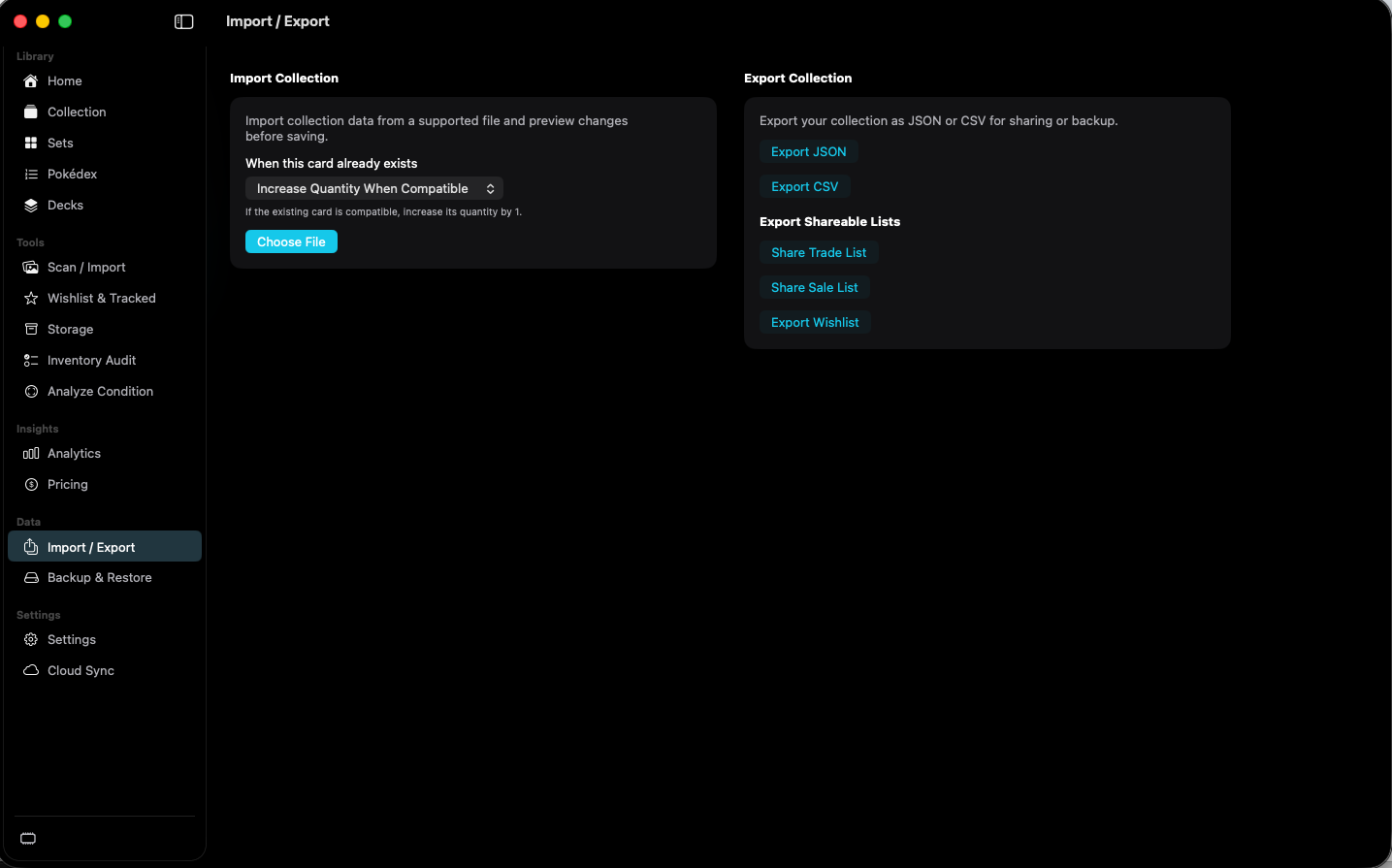
Import / Export moves collection files and shareable lists.
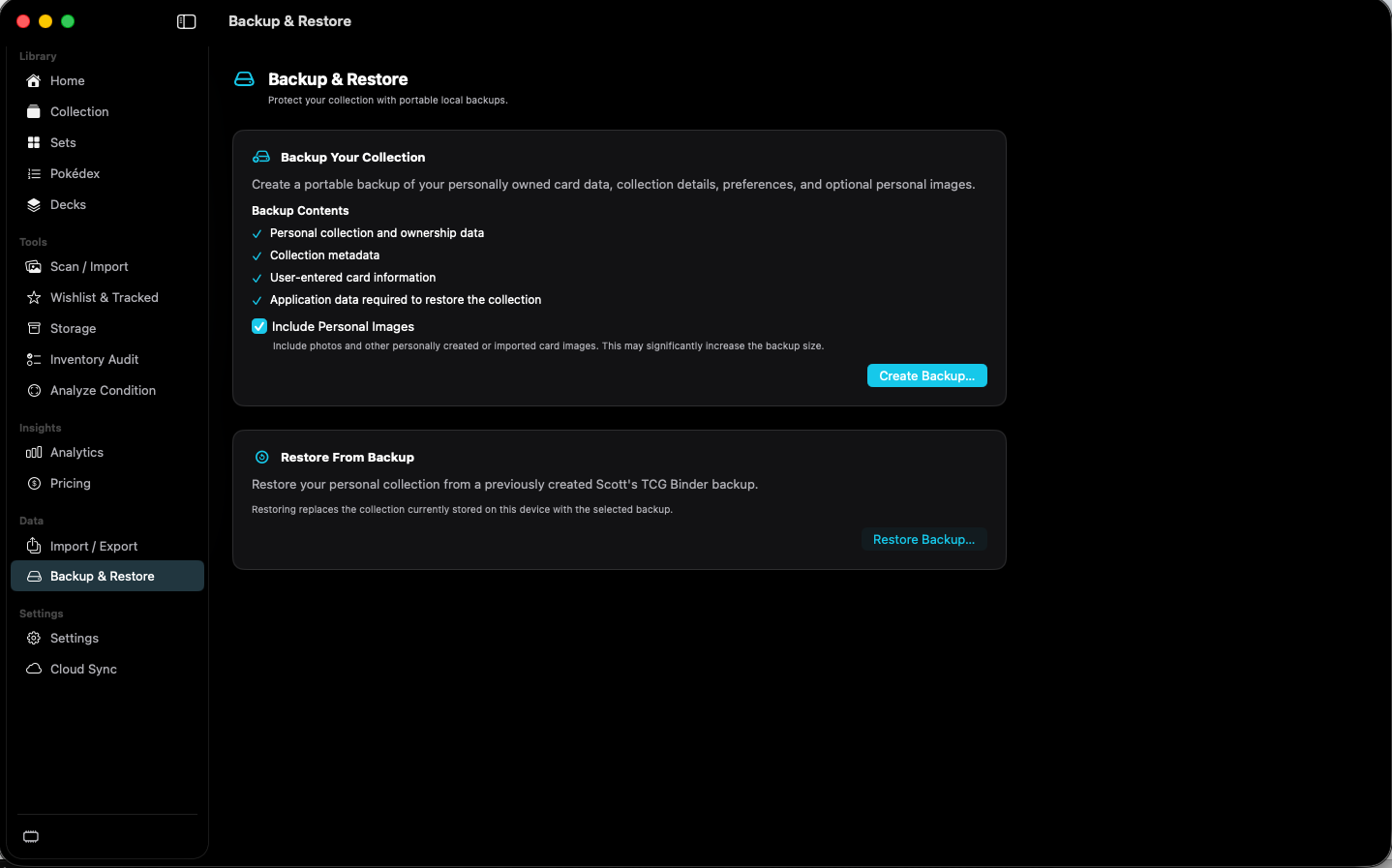
Backup & Restore writes and reads a portable backup of this collection.
Mac · iPhone · Settings
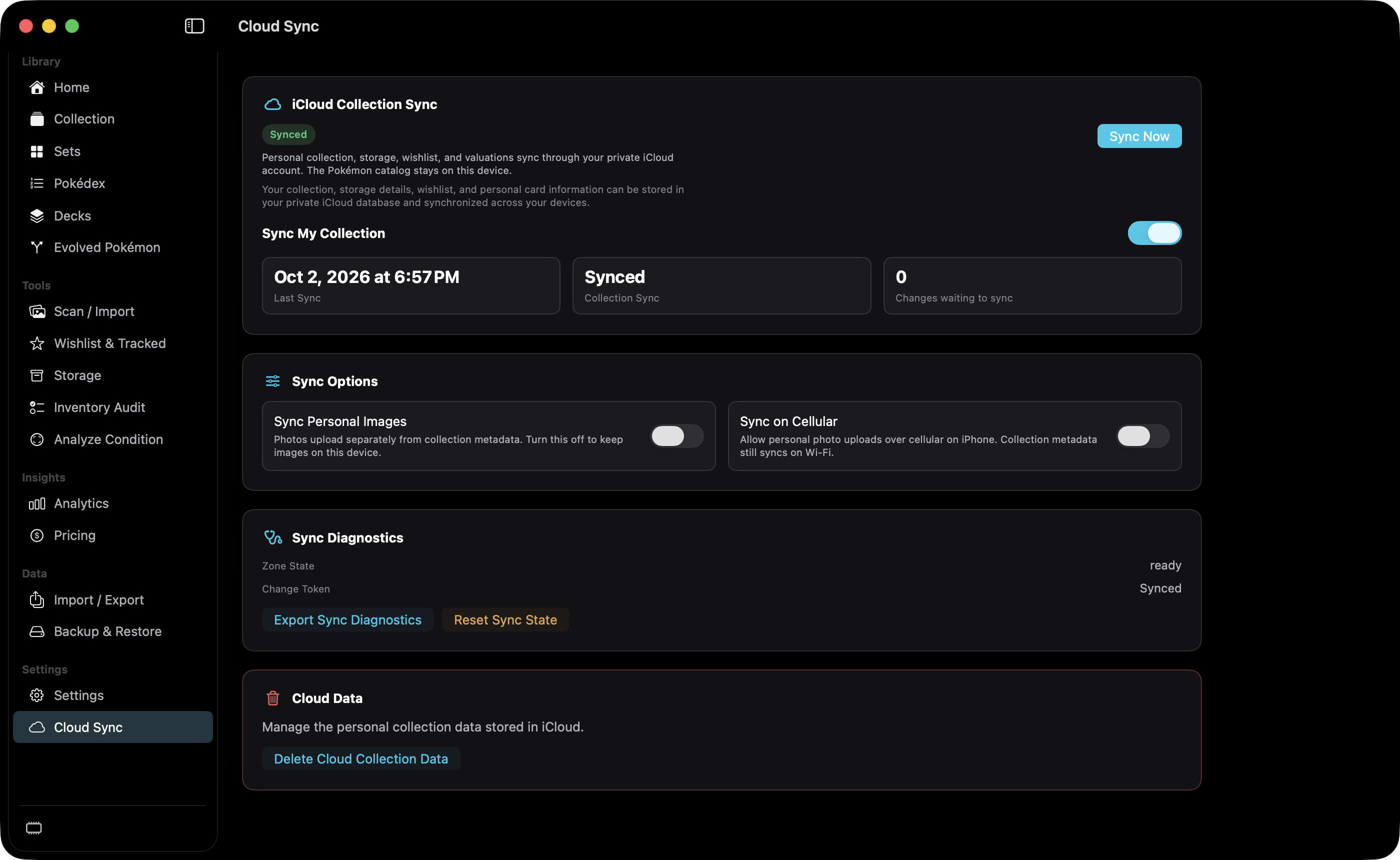
Cloud Sync moves the personal collection through private iCloud. It does not sync the Pokémon catalog, scan originals, or pricing history.
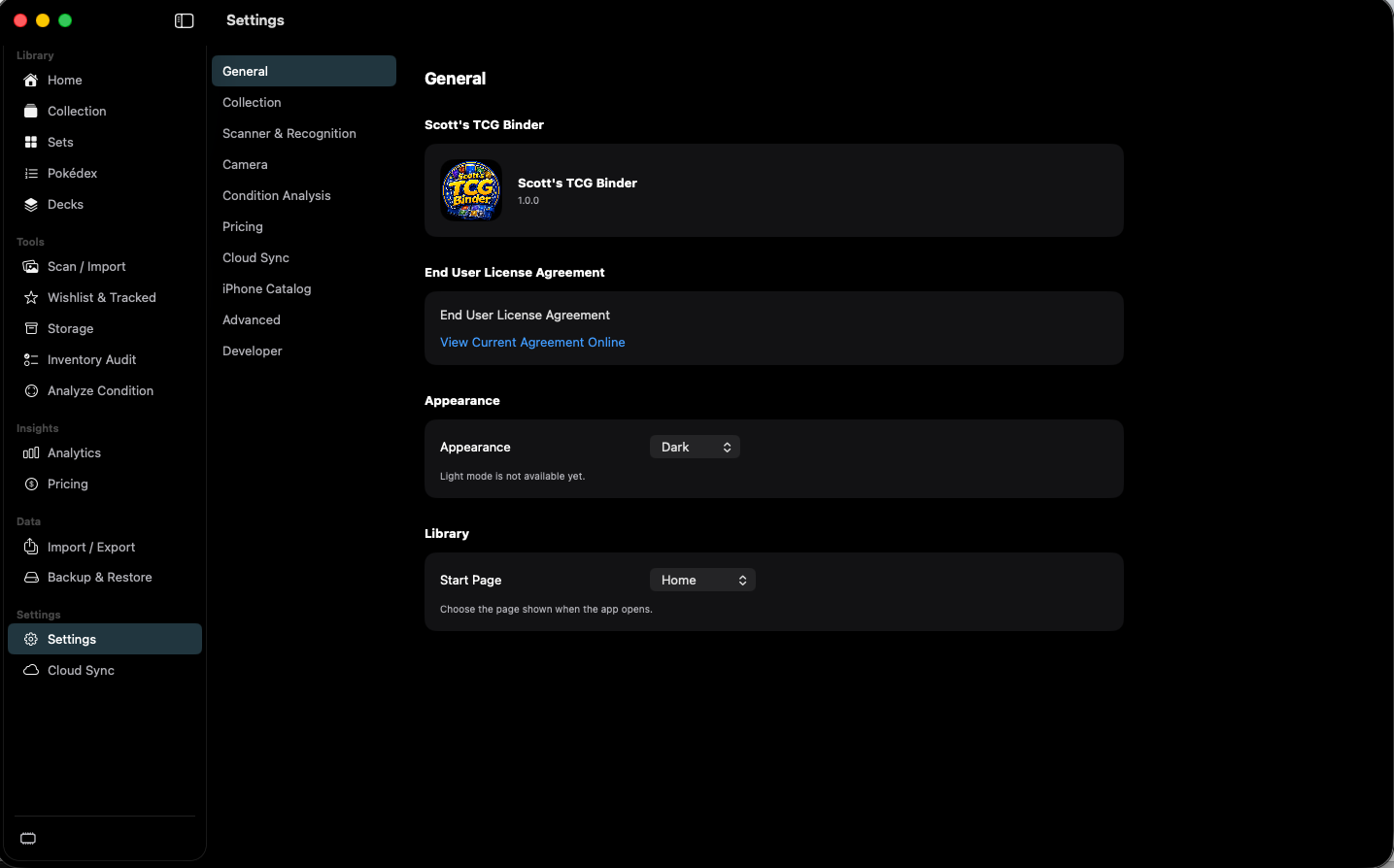
Settings holds app-wide defaults and maintenance tools. Categories are a second list inside the page.
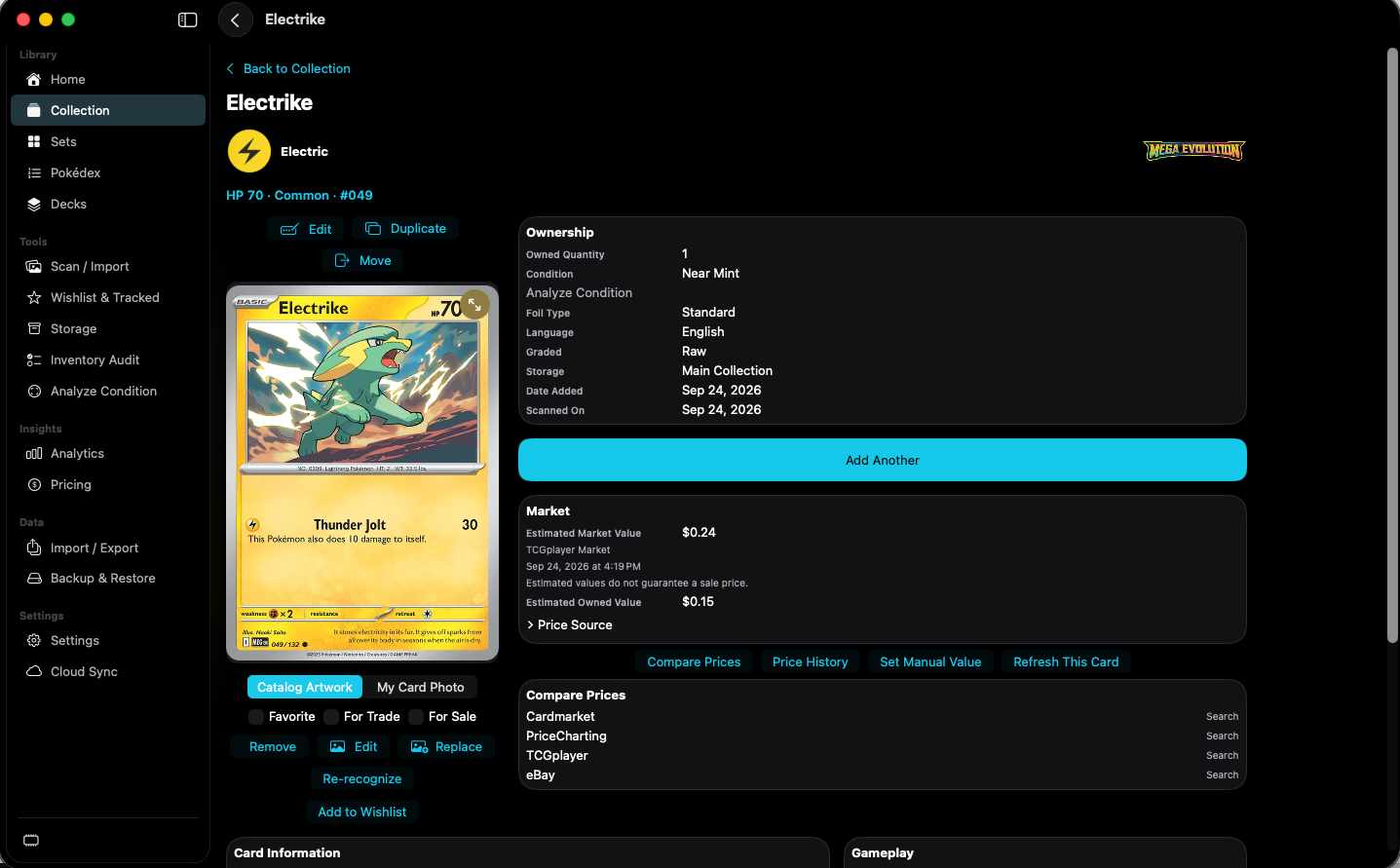
Card Details is the full record for one owned card.
No screens match those filters.
 Scott's TCG Binder