macOS
The sidebar is the map: Library, Tools, Insights, Data, and Settings.
Desktop guide Scott's TCG Binder

The collection, the catalog, and the tools around them. Own the cards, see the gaps, and know what they are worth.
macOS
shot desktop-home · seq 1 · assets/screenshots/original/desktop/0001.png
iPhone
shot iphone-home · seq 101 · assets/screenshots/original/iphone/home.png
Visual reference not yet available for this platform.

Home summarizes counts, value, tracked-set progress, and recently added cards.
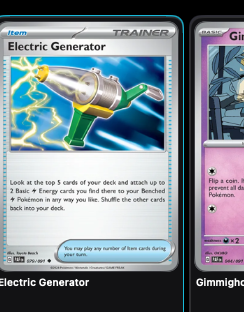
Search, browse, and inspect owned cards as a grid, list, or table.
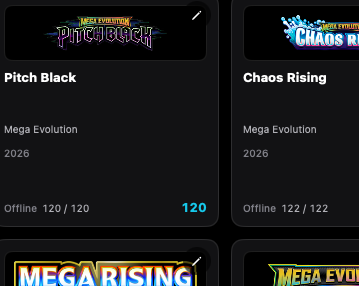
Sets lists every set, with series and year filters, completion counts, and a set detail screen.
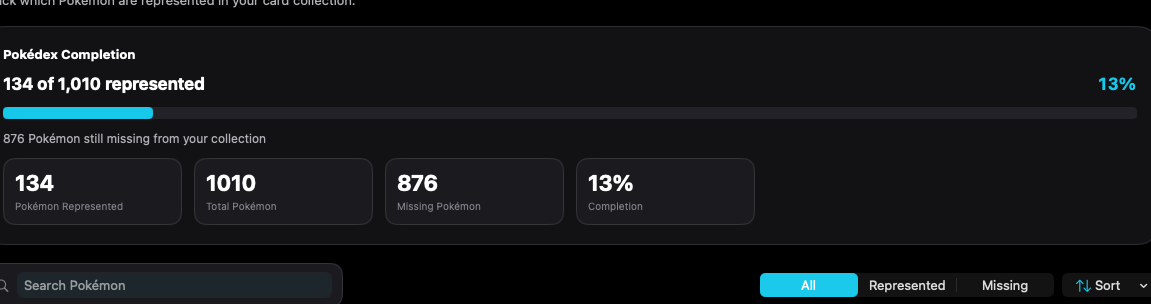
Pokédex tracks represented and missing Pokémon across the collection.
Evolved Pokémon lists catalog evolution chains and marks which stages you own.
More holds Decks, Evolved Pokémon, Pokédex, Wishlist, Storage, Analytics, Pricing, export, backup, Settings, and Cloud Sync.
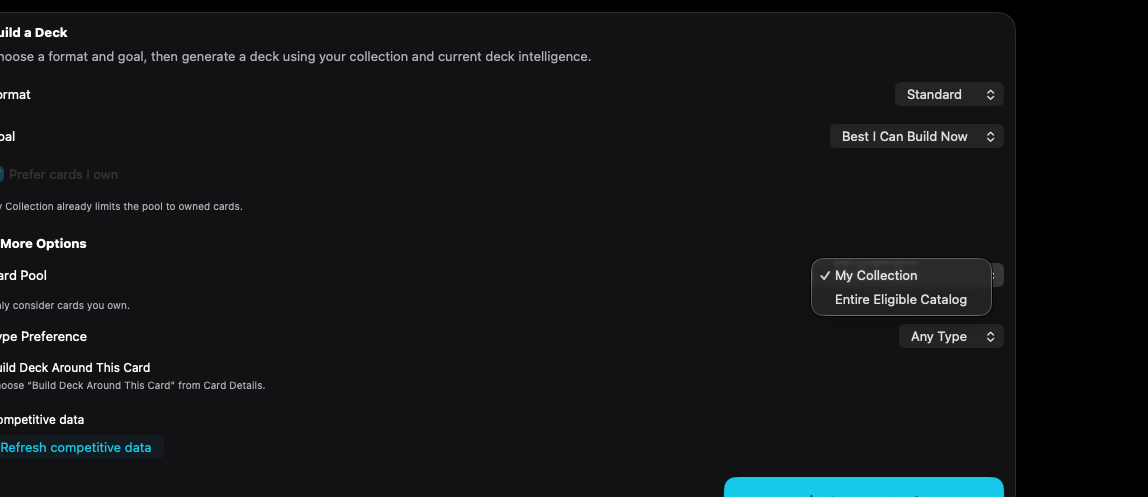
Choose a format and goal, then generate a deck. The card pool can be your collection or the eligible catalog.
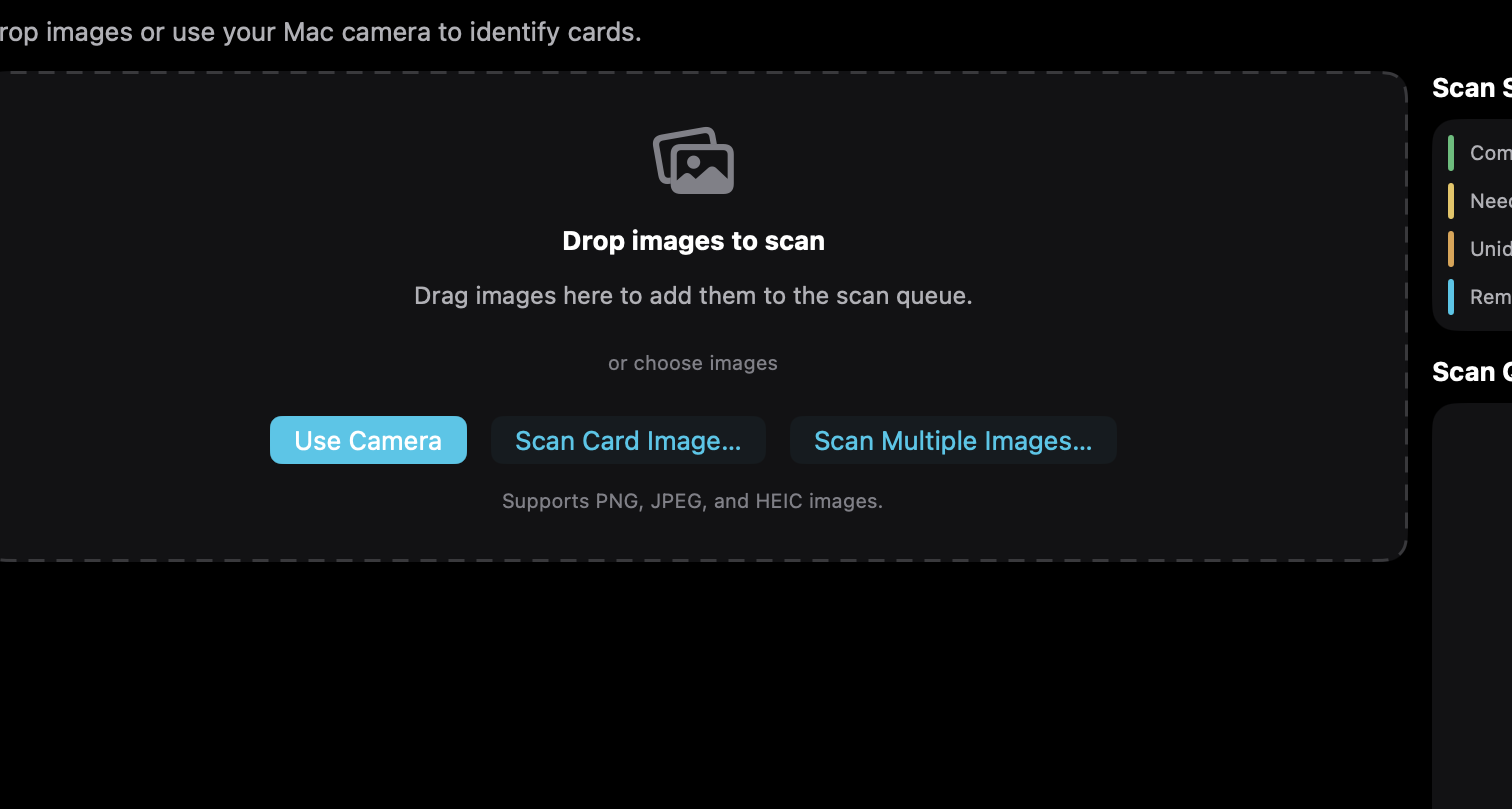
Scan / Import takes a still from a connected camera or from PNG, JPEG, and HEIC files, then reviews the catalog match before the card is saved.
Scan or import, confirm the match, then track the card through the collection, prices, and charts.
The sidebar is the map: Library, Tools, Insights, Data, and Settings.
Desktop guideFive tabs, then More. Analytics ranges are menus. Scan uses the back camera or a photo.
iPhoneiPad uses the iPhone analytics menus and Scan tab, with a wider layout when the pane allows it. Visual references will attach here when those captures are added.
iPadThe support guide uses the same features, with the operational detail on each screen.